
Introduction
Connecting your phone to a satellite is a powerful way to ensure uninterrupted communication, especially in areas where traditional networks can fail. Mastering satellite connectivity opens new frontiers for communication, allowing you to remain in touch across the globe. This guide will walk you through detailed steps, making it straightforward to connect your phone to a satellite and never miss a beat in connectivity.

Understanding Satellite Connectivity
Satellite connectivity uses orbiting satellites to establish a communication link between your phone and the broader network. This contrasts with traditional cellular networks that rely on ground-based cell towers. By leveraging satellites, connectivity becomes possible in areas beyond the reach of typical networks, offering a robust solution for travelers, adventure-seekers, and professionals needing reliable communication.
With a clear understanding of what satellite connectivity is, we can now explore the compelling reasons to connect your phone to a satellite network.
Why Connect Your Phone to a Satellite?
Choosing to connect your phone to a satellite offers several key benefits:
- Global Reach: Satellite communication provides coverage in the most remote parts of the world, where cellular networks don’t extend.
- Emergency Preparedness: In crisis situations, when standard networks are down, satellites can provide an essential lifeline.
- Increased Mobility: Perfect for global travelers and professionals working in isolated or undeveloped areas, ensuring communication lines are always open.
Now that the advantages are clear, let’s prepare your phone for satellite connectivity.
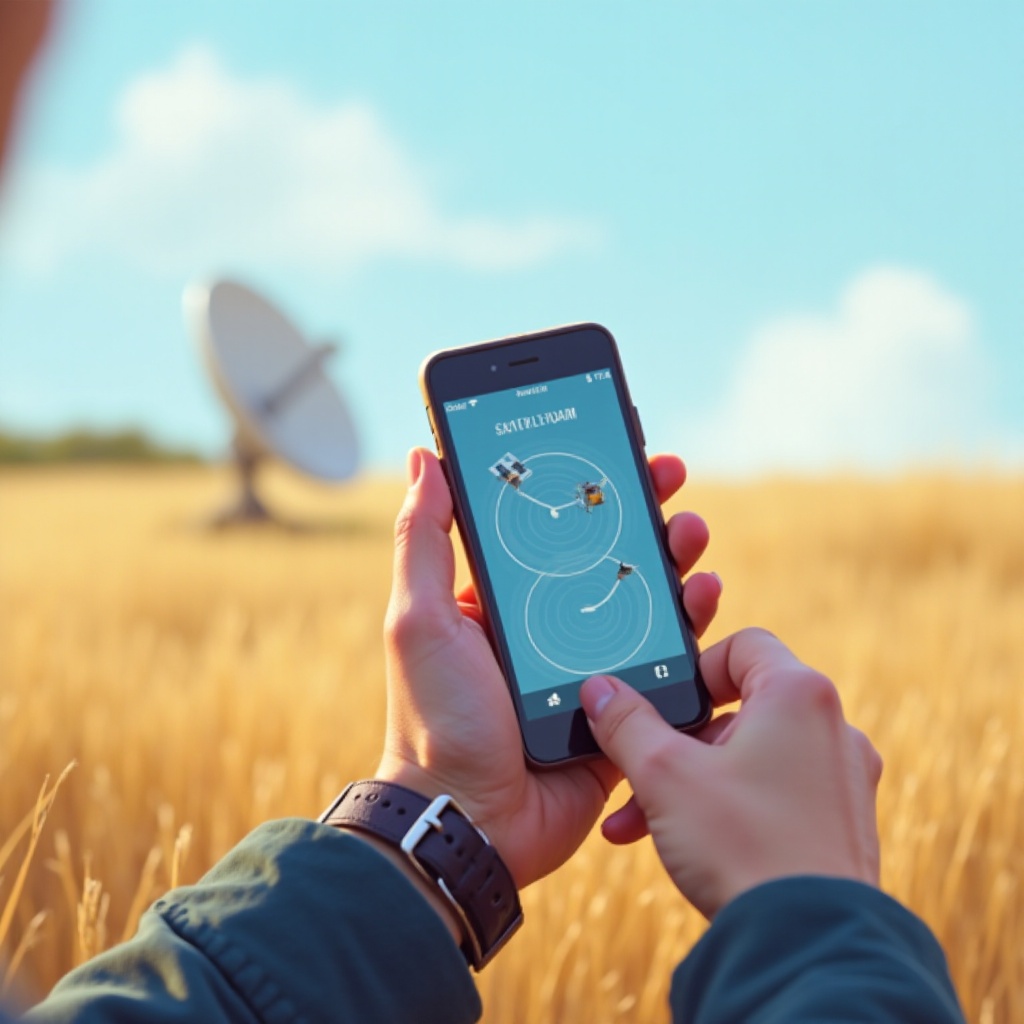
Preparing Your Phone for Satellite Connection
Before connecting, make sure your device is ready. This involves both hardware and software preparations.
Required Hardware for Connectivity
- Satellite-enabled Device or Adapter: Verify whether your phone natively supports satellite communication or if an adapter is necessary. Adapters can be an easy solution for many smartphones.
- Satellite SIM Card: Often a specific satellite-compatible SIM card is required for the full suite of services.
Necessary Software and Apps
- Satellite Service Application: Download the mobile app from your chosen satellite provider. This tool is crucial for managing your connection and settings.
- Firmware and App Updates: Ensure that your phone’s software and related applications are up to date. This prevents unexpected compatibility issues.
With your phone properly set up, we can tackle the actual connection process.
Step-by-Step Guide to Connect Your Phone to Satellite
Follow these instructions to establish your satellite connection effectively:
- Activate Satellite Mode: Go into your phone’s settings menu and switch from standard operation to satellite mode.
- Download and Configure the App: Complete the installation steps for your satellite provider’s app.
- Input Credentials: Use your satellite service credentials or SIM card info for network access.
- Test Connectivity: Place a test call or use data services to ensure the connection is functional and stable.
As you move from setting up your connection to optimizing it, selecting the right service provider becomes essential.

Selecting the Right Satellite Service Provider
The choice of provider shapes the quality and reliability of your satellite communication.
Key Considerations
- Coverage Areas: Confirm that the provider covers regions where you intend to use the service.
- Service Plans: Evaluate the different pricing and plan options based on your data and communication needs.
- Customer Support: Ensuring the provider offers quality support is crucial for resolving potential issues quickly.
Top Satellite Providers in 2024
- Iridium: Offers excellent global coverage with flexible service plans for various needs.
- Inmarsat: Known for reliability and widespread usage in marine and aeronautical industries.
- Globalstar: Affordable and ideal for North American users with competitive pricing and plans.
Now that you’ve narrowed down a provider, it’s important to address any issues that arise during use.
Troubleshooting Common Connection Issues
Like any technology, issues can occur, but they often have straightforward solutions.
Signal Problems
- Line of Sight: Ensure there are no barriers between your phone and the sky, as clear visibility is essential.
- Adjust Position: Sometimes reorienting your phone or external antenna can significantly improve reception.
Compatibility Issues
- Regular Updates: Keeping your phone’s software and the satellite app up to date is vital for avoiding bugs and compatibility issues.
- Provider Assistance: If problems persist, reaching out to customer service with provider-specific troubleshooting can resolve many issues effectively.
Conclusion
By connecting your phone to a satellite, you break free from the limits of traditional networks, ensuring connectivity no matter where your adventures take you. Arm yourself with the knowledge and tools to seamlessly integrate into this expansive communication landscape, and stay connected, prepared, and secure.
Frequently Asked Questions
Can all smartphones connect to satellites?
Not all smartphones can directly connect to satellites. Some require specialized hardware or adaptable accessories to enable this functionality.
Is satellite connectivity expensive?
The cost varies based on the provider and specific plans, but it typically costs more than traditional cellular services, reflecting its advanced technology and wide reach.
Do I need a special SIM card for satellite connections?
Yes, a specific satellite-compatible SIM card is often necessary to access satellite networks and services provided by satellite communications companies.