Introduction
Choosing the right camera is crucial for Twitch streamers aiming to deliver high-quality content that captivates viewers. The camera you select can greatly affect the viewer’s experience by ensuring sharp and professional visuals. This comprehensive guide will explore the best cameras for Twitch streaming available in 2024, catering to different budgets and offering essential setup tips to elevate your streaming game.
Understanding the Essentials of a Good Streaming Camera
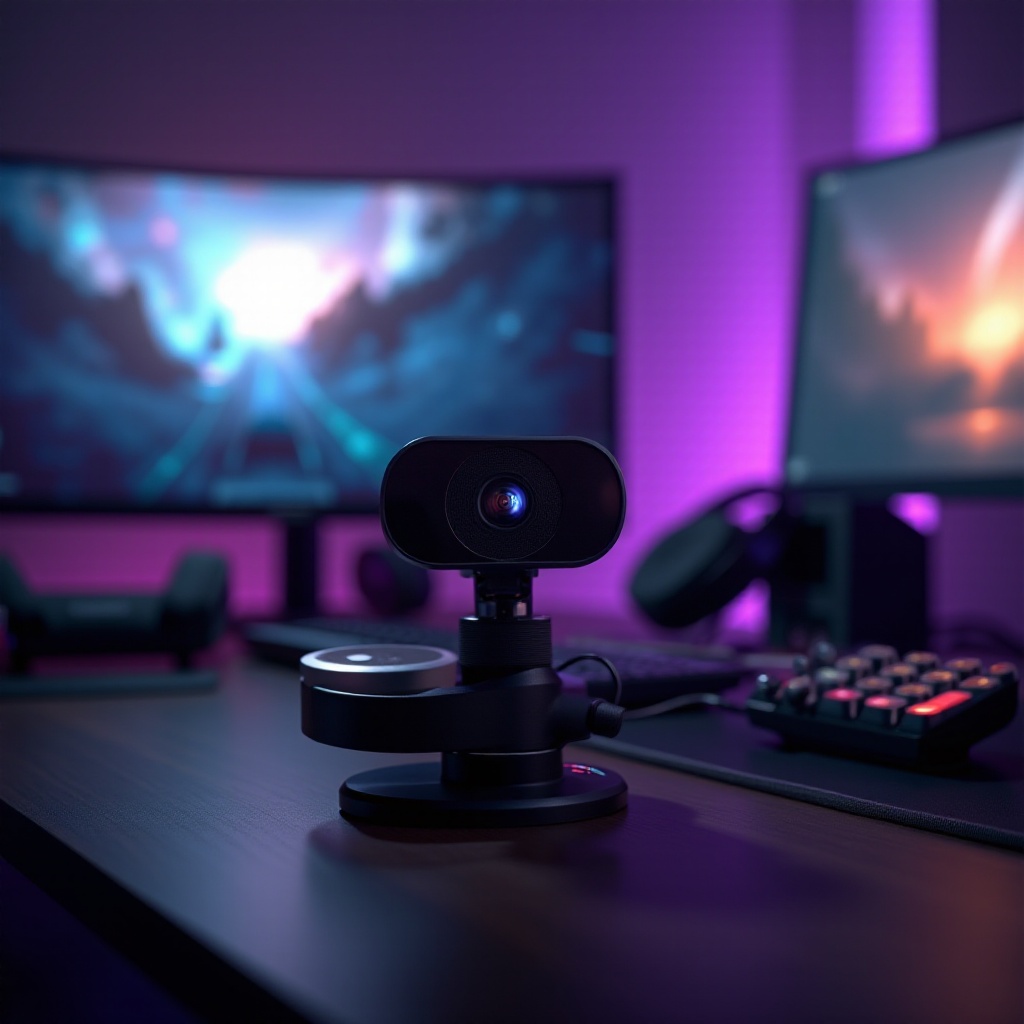
When selecting a camera for streaming, several features must be considered to enhance your streaming experience:
-
Resolution: Opt for at least 1080p to ensure clear visuals. While 4K provides future-proofing, it’s usually more costly.
-
Frame Rate: A higher frame rate guarantees smooth motion, with 30 fps as a minimum standard, and 60 fps offering superior fluidity.
-
Lens Quality: A quality lens captures adequate light for better video quality, vital for improving low-light conditions.
-
Connectivity Options: Ensure the camera connects comfortably to your setup. USB and HDMI remain the most popular options.
-
Auto-Focus and Low-Light Performance: These features ensure clarity and focus even if lighting conditions aren’t optimal, keeping your streams looking sharp and focused.
Understanding these aspects lays a foundation for making an informed decision on choosing your ideal streaming camera. Let’s delve into specific models based on different budgets.
Top Camera Picks for Twitch Streaming in 2024
Best Budget-Friendly Cameras
For beginners or those streaming under a budget, these affordable options provide high quality at low prices:
-
Logitech C922 Pro Stream Webcam: Offering full 1080p at 30 fps or 720p at 60 fps, this option is ideal for new streamers. Features like autofocus and light correction enhance its versatility across varied lighting conditions.
-
Razer Kiyo: Known for its built-in ring light, this webcam provides uniform lighting, minimizing the need for additional equipment. It supports 720p at 60 fps for smooth, high-quality streaming.
These budget-friendly options allow beginners to produce captivating streams without hefty investment. Let’s move on to mid-range suggestions.
Ideal Mid-Range Cameras
Stepping up, these mid-range cameras offer excellent features without overly steep prices:
-
Sony ZV-1: This compact camera excels in low-light situations and boasts advanced autofocus capabilities. It offers 4K quality, making your streams pop with clarity and detail.
-
Canon EOS M50 Mark II: Known for its Dual Pixel autofocus and 4K video capabilities, this mirrorless camera delivers great value with more manual control over video settings.
For streamers ready to spend a bit more, these cameras allow exploring creative content production. Next, we examine high-end models perfect for professional quality.
High-End Cameras for Professional Streaming
High-end cameras cater to professional streamers demanding the best video quality:
-
Sony A6400: Featuring rapid and precise autofocus, this camera is perfect for live streams requiring consistent focus tracking. Its 4K quality ensures every stream is delivered crisp and clear.
-
Panasonic Lumix GH5: Recognized for advanced video capabilities, the GH5 supports 4K video at 60 fps, boasting long-term durability and versatility crucial to professional settings.
With these high-end options, professional streamers can significantly enhance the viewing experience for their audience. Let’s examine essential accessories to further boost your setup.

Enhancing Your Streaming Setup: Essential Accessories
Once you’ve selected your camera, pairing it with the right accessories can significantly improve your stream’s quality:
-
Lighting Equipment: Adequate lighting dramatically enhances video quality. Consider ring lights or LED panels to ensure consistent, even lighting.
-
Microphones: Quality audio matters as much as video. Investing in a standalone USB or XLR microphone ensures professional-grade sound quality.
-
Capture Cards: Required for cameras without direct USB video outputs, capture cards enable high-definition streaming through DSLRs or mirrorless cameras.
Equipping yourself with these tools ensures your stream maintains high standards, whatever the conditions may be. Let’s proceed with setting up your camera for optimal Twitch performance.
Step-by-Step Guide to Setting Up Your Camera for Twitch
Setting up your camera correctly is pivotal to maximize its potential on Twitch:
-
Mount Your Camera: Ensure the camera is at eye level to create an engaging connection with your audience.
-
Adjust Settings: Use camera software to tailor resolution, frame rate, and exposure settings to your desired output.
-
Configure Your Streaming Software: Integrate and fine-tune your camera in platforms like OBS Studio or Streamlabs for seamless compatibility.
-
Test and Optimize: Trial streams help verify quality and lighting settings, allowing for any necessary adjustments before going live.
Correct setup maximizes professionalism in your stream, enhancing the experience for viewers. Furthermore, keeping your equipment in good condition is key for sustained optimal performance.
Maintaining Your Streaming Camera for Optimal Performance
Ensure your camera’s longevity and reliability with proper maintenance:
-
Regular Cleaning: Keep dust off the lens and body using a soft cloth or lens blower.
-
Proper Storage: When not in use, store the camera in a cool, dry place with a protective case to ward off damage.
-
Firmware Updates: Stay updated with firmware updates to maintain optimal functionality and new features.
Maintenance is a simple yet crucial step in ensuring your equipment’s effective long-term use.

Conclusion
Choosing the best camera for Twitch streaming in 2024 is pivotal for enhancing your content and keeping your audience engaged. Whether you’re looking for budget webcams or high-end mirrorless cameras, options abound to suit your needs and aspirations. Coupled with the right setup and maintenance practices, these selections empower you to deliver streams that are both captivating and professional.
Frequently Asked Questions
What resolution is best for Twitch streaming?
1080p is ideal for most streamers, providing clear image quality without demanding too much bandwidth. However, if you have the bandwidth and hardware, 4K can future-proof your streams.
Can I use a DSLR camera for Twitch streaming?
Yes, DSLR cameras are excellent for streaming high-quality video. Ensure it has a continuous video output option and pair it with a good capture card.
How do I improve lighting for my Twitch stream?
Invest in proper lighting equipment like LED panels or ring lights to enhance video quality. Position lights to remove shadows and ensure even lighting on your face.