
Introduction
Amazon Alexa has become indispensable in modern households, offering convenience through voice commands and smart home integration. However, Alexa devices use a light ring to communicate different statuses and notifications. The green light is one of the most noticeable and understandable indicators, serving important roles in connectivity and communication. Knowing what this specific light signal means enables users to leverage Alexa’s full capabilities while ensuring optimal functionality and privacy. In this detailed guide, we’ll explore the green light’s significance, its implications, and effective management strategies.
Understanding Alexa’s Light Ring
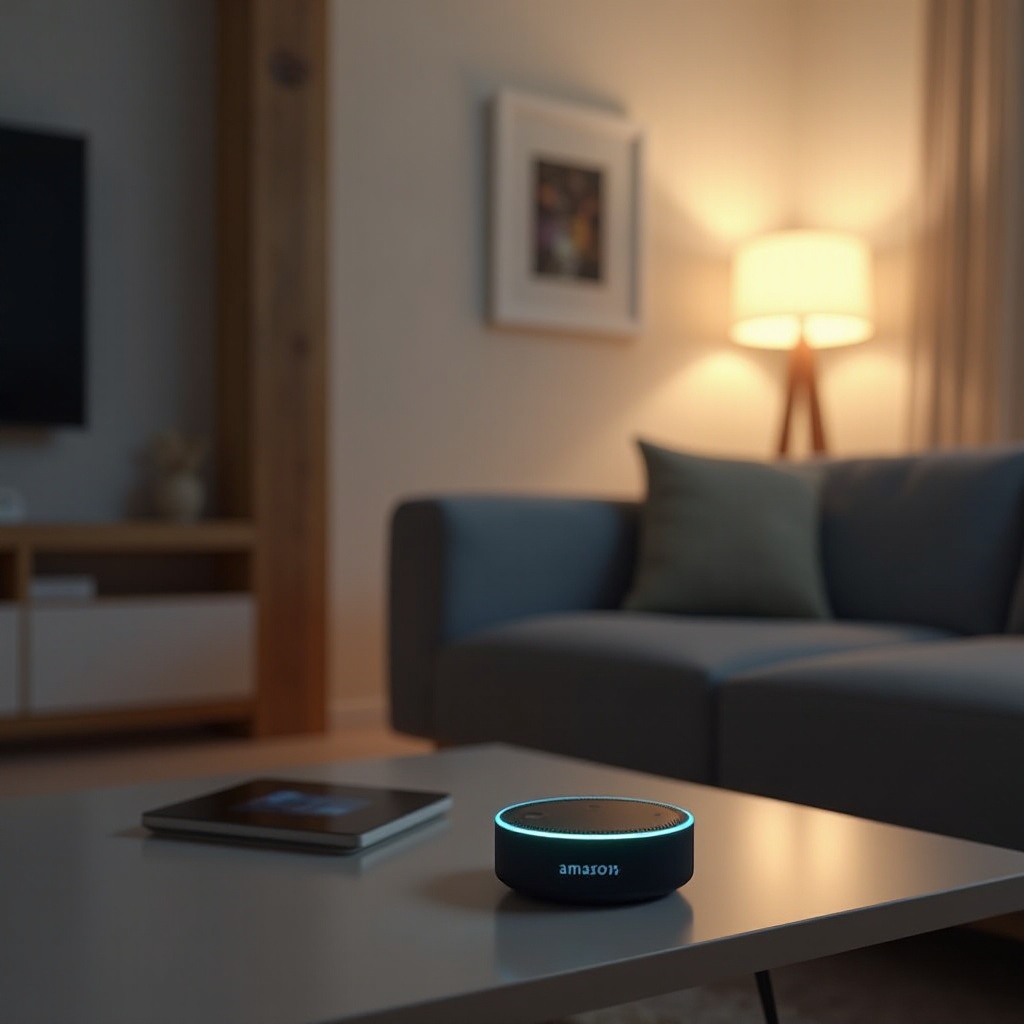
Alexa’s light ring is more than just a decoration; each color and animation signifies different statuses and alerts. Learning about these indicators can help you make the most of Alexa, as they offer real-time insights into the device’s operations.
-
Overview of Alexa’s Light Codes: Alexa’s light ring can display various colors, each corresponding to specific alerts or functions. For instance, blue signifies Alexa is processing your command, yellow indicates unread notifications or messages, and the green light usually pertains to communication features.
-
Importance of the Light Ring in Communication: The light ring is Alexa’s method of non-verbal communication, indicating the device’s current status or alerts that need attention. By comprehending these signals, you can interact more effectively with Alexa, ensuring you catch important messages or functions in use.
Understanding these light codes allows you to enhance your experience with Alexa by maximizing its efficiency and attentiveness.
The Green Light on Alexa: What It Signifies
With a basic understanding of Alexa’s light codes set, let’s delve specifically into what the green light indicates, as recognizing its meaning can boost your device interaction.
-
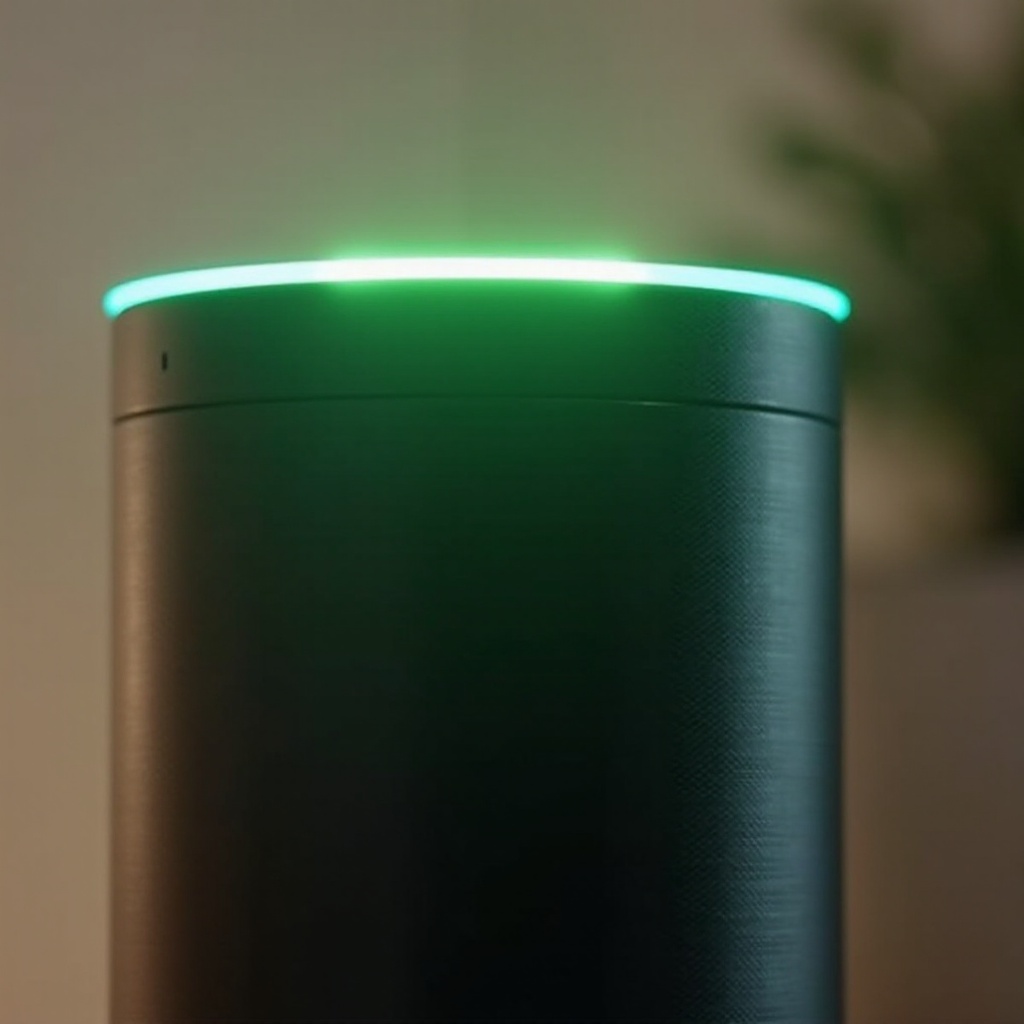
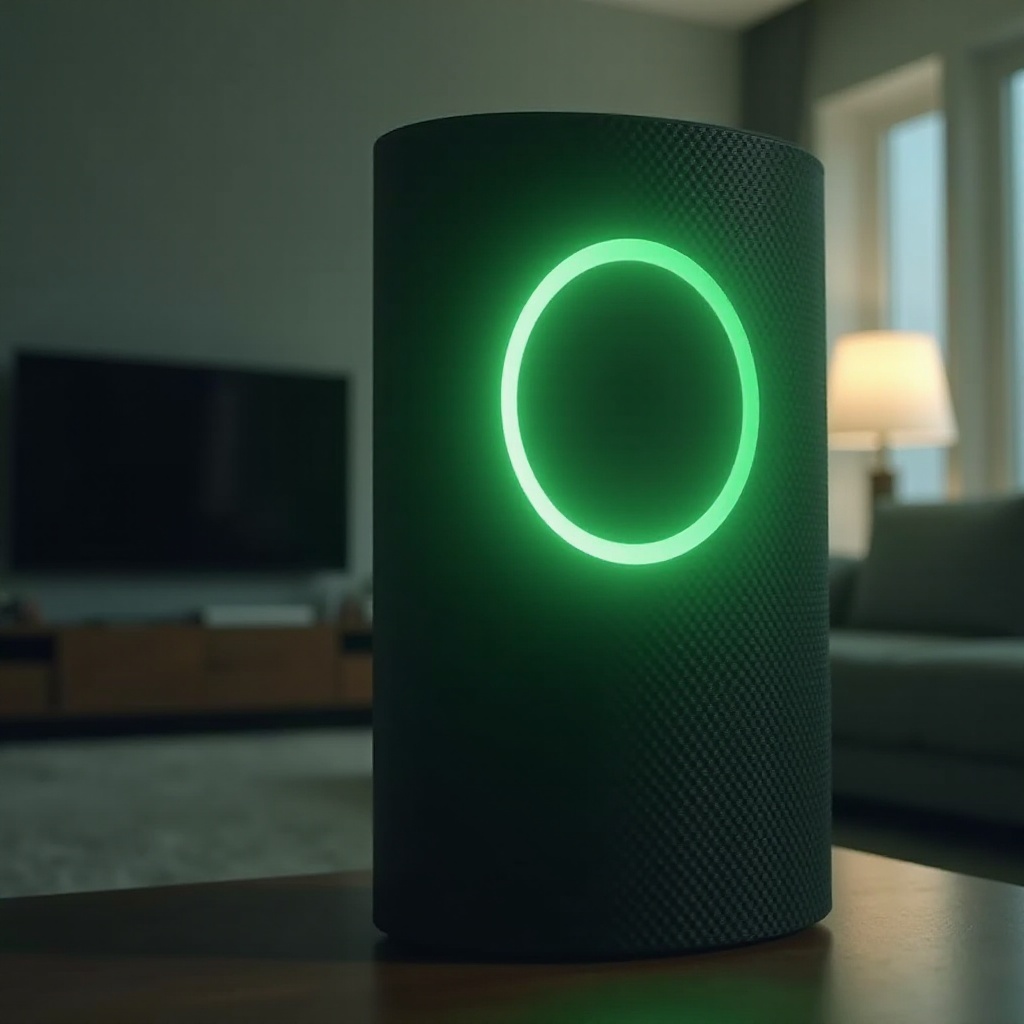
Typical Scenarios for the Green Light: A pulsing green light on your Alexa device generally means there is an incoming call or Drop In request. On the other hand, a spinning green light shows that your device is on an active call or Drop In. These are integral parts of Alexa’s role in your home, ensuring connectivity.
-
The Role of Green Light in Calls and Drop In Features: Alexa offers seamless communication within the household or between different Alexa devices using calls and Drop In. The green light serves as a visual cue for active or available communication.
Recognizing the green light’s significance directly connects to how Alexa functions as a communication device, ensuring you’re always aware of your connectivity status.
Privacy Implications and the Green Light
Understanding the green light also involves considering its implications for privacy. Knowing how it affects privacy is crucial for responsible device use.
-
Addressing Privacy Concerns with Alexa: Many users worry about who can initiate Drop In or calls. Amazon’s built-in controls allow users to manage these features, and the green light acts as an indicator for active communication, offering a visual verification during these interactions.
-
Green Light’s Connection to User Privacy: The green light ensures transparency during communication, alerting users when the microphone is active. This awareness helps you maintain privacy in your home.
By understanding these implications, you can confidently use your Alexa device while protecting your privacy.
Managing Your Alexa’s Notification Settings
To fully utilize Alexa, you may customize its notification settings. This can help manage when and why the green light appears, ensuring it suits your household preferences.
- Customizing Alerts through the Alexa App: The Alexa app allows you to tailor settings related to communication features like calls and Drop In. Steps for customization include:
- Open the Alexa app on your smartphone.
- Navigate to ‘Devices’ in the bottom menu.
- Select your specific Alexa device.
- Go to ‘Communications’.
-
Adjust settings as needed for privacy and notification preferences.
-
Tips for Tailoring Notification Settings: Customize notifications to mute specific alerts or change who can access Drop In, keeping your communication streamlined and controlled.
This degree of customization helps keep control of your device’s notifications and what gets shown by the green light.
Troubleshooting Green Light Issues
Occasionally, you may run into unexpected behaviors from the green light. Knowing how to troubleshoot can save time and ensure your device operates smoothly.
-
Common Green Light Problems: Sometimes, the green light may persist without active calls or Drop Ins, often due to unresolved notifications or connectivity issues.
-
When to Contact Amazon Support: If troubleshooting doesn’t resolve the issue, it’s wise to reach out to Amazon support. Persistent problems or technical issues may need expert intervention, offering more advanced troubleshooting or repairs.
By being proactive about troubleshooting, you maintain Alexa’s reliability and seamless integration into your smart home.
Conclusion
Decoding Alexa’s green light enhances control over your smart home environment. By understanding what this light indicates, you can effectively manage notifications and privacy, leveraging Alexa’s features to their greatest potential. Stay informed and keep exploring Alexa’s capabilities.
Frequently Asked Questions
Why does my Alexa have a green ring?
The green ring on Alexa typically indicates an incoming call or active communication via Drop In.
Can I turn off the green light on Alexa?
While you can’t disable the green light entirely, managing notifications can help control when it appears.
Does the green light affect my privacy?
The green light signals active calls or Drop Ins, keeping you informed when the microphone is in use to mitigate privacy concerns.