Introduction
Gaming laptops have evolved beyond just gaming; they excel in video editing too. With their powerful hardware and vibrant displays, they create an optimal environment for producing quality content. Whether you’re a professional editor or honing your skills as an enthusiast, a gaming laptop can boost your efficiency and creativity. This guide explores the compelling reasons to choose gaming laptops for video editing and what features to prioritize.
Why Choose a Gaming Laptop for Video Editing?
Performance: Powerful CPUs and GPUs
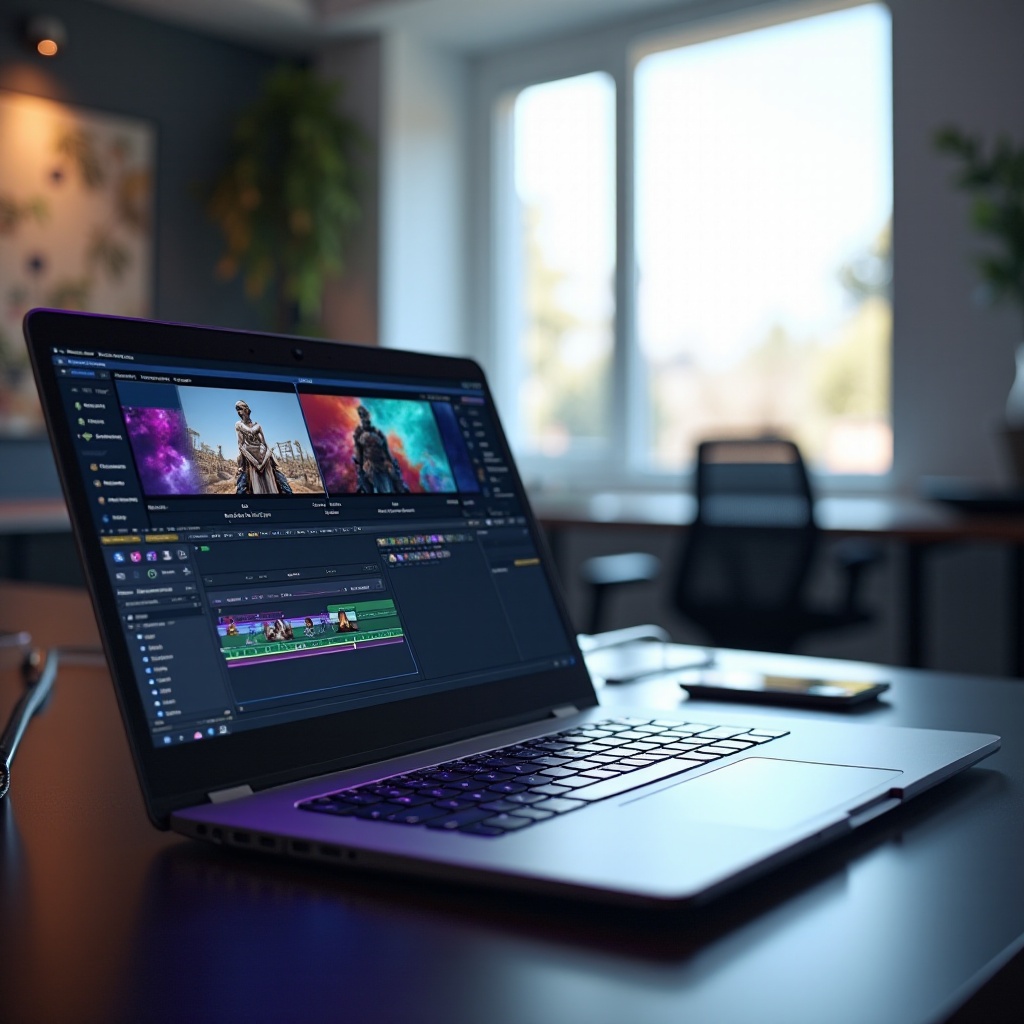
Gaming laptops boast robust CPUs and GPUs designed to manage graphically demanding games. These hardware components are equally beneficial for video editing, which requires substantial processing power to handle intricate software and large files. With a high-speed CPU paired with a strong GPU, expect smoother rendering and quicker export times, enabling you to concentrate on your creative process.
Display Quality: Color Accuracy and High Resolution
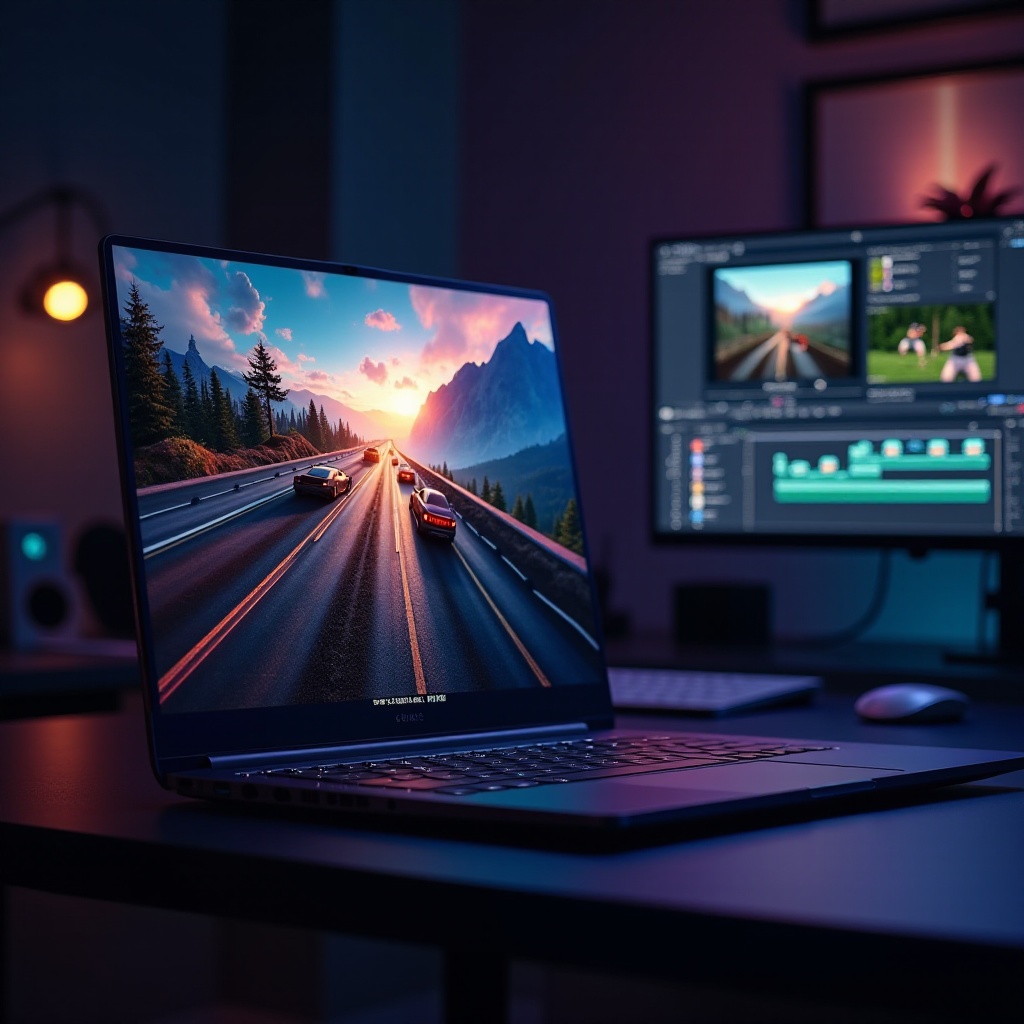
A superior display is paramount for video editing tasks. Gaming laptops typically feature high-resolution screens that provide excellent color accuracy, a necessity for color grading and precise edits. Whether working with HD or 4K footage, these displays facilitate detailed editing, ensuring your final work appears exactly as intended.
High-Speed RAM and Storage Solutions
The demands of video editing software on memory are significant. Gaming laptops often come equipped with high-speed RAM, which allows seamless multitasking and efficient application running. Accompanied by solid-state drives (SSDs), these laptops provide rapid data access, reducing load times and enhancing overall productivity.
Shifting from the essential specifications, the next sections guide you through key features to seek in a gaming laptop tailored for video editing.
Key Features to Look For in a Gaming Laptop for Video Editing
Graphics Processing Unit (GPU) Capabilities
The GPU stands as a crucial element for video editing, similar to its importance in gaming. Opt for laptops with the latest GPU technologies from NVIDIA or AMD, known for excellent video rendering and support for high-resolution editing needs.
Central Processing Unit (CPU) Efficiency
Efficient CPUs manage complex video editing deftly. Seek out multi-core options such as Intel’s i7 and i9 or AMD’s Ryzen series, which offer the power needed to handle editing software alongside multitasking without straining the system.
Cooling Systems and Thermal Management
The rigorous tasks of gaming and video editing generate substantial heat, necessitating effective cooling systems. Choose laptops with advanced cooling mechanisms featuring multiple fans and heat pipes. These ensure your device maintains peak performance without overheating during prolonged editing sessions.
Building upon these core features, let’s delve into the top gaming laptop models recommended for video editing excellence.
Top Gaming Laptops Recommended for Video Editing
Model 1: Features and Benefits
- Equipped with high-performance GPU and CPU for superior performance.
- High-resolution display provides outstanding color accuracy.
- Advanced cooling system prevents overheating during long editing tasks.
Model 2: Features and Benefits
- Incorporates the latest NVIDIA GPU for enhanced video rendering.
- Offers ample RAM and SSD storage for efficient multitasking.
- Boasts a sleek and portable design for easy mobility.
Model 3: Features and Benefits
- Affordable yet powerful with superior display quality.
- Impressive battery life ideal for extended editing work.
- Durable construction ensures reliability in demanding conditions.
To enhance your editing setup further, we explore additional tools and accessories that are beneficial for using gaming laptops in video editing.
Enhancements and Accessories for Video Editing on Gaming Laptops
Software Enhancements
Integrate powerhouse software like Adobe Premiere Pro or DaVinci Resolve with your gaming laptop, utilizing plugins that boost functionality and streamline your editing process for better efficiency.
Peripheral Accessories
Enhance your setup with high-quality peripherals. A precise mouse and a mechanical keyboard can improve editing precision and speed. Additionally, consider using an external monitor to expand your workspace, providing more room for managing multi-layered timelines.
Storage and Backup Solutions
Ensure you have additional external SSDs or HDDs to manage extensive video files and secure backups. Cloud storage options further allow easy file access across multiple devices, safeguarding your creative projects.
Reflecting on these setups, let’s draw our exploration to a conclusion, along with addressing common queries you might have.
Conclusion
Gaming laptops redefine video editing experiences by blending power with exceptional display quality. By choosing a model that fits your needs, you can effectively utilize a device designed for dual-purpose efficiency. Invest in a gaming laptop for seamless editing capabilities and elevate your content creation potential.
Frequently Asked Questions
Are gaming laptops more expensive than traditional laptops for video editing?
Gaming laptops are typically costlier due to advanced components. However, their capabilities, especially in GPU and CPU, justify the investment for combined gaming and editing tasks.
Can a gaming laptop handle 4K video editing?
Yes, gaming laptops equipped with high-end GPUs and powerful CPUs can efficiently handle 4K video editing, providing smooth playback and rapid rendering.
How long do gaming laptops typically last for video editing purposes?
With proper care, gaming laptops can last several years. Regular updates, efficient thermal management, and use of external storage extend their lifespan for consistent gaming and editing performance.