Introduction
Curved monitors have become the preferred choice for users seeking an immersive viewing experience without straining their budgets. These monitors provide an upgrade from flat screens and enhance both gaming and professional tasks. A curved screen offers a more extensive field of view, pulling you into your digital world. The challenge is finding a model that combines quality with affordability. This guide will explore the top five budget-friendly curved monitors in 2024, highlight their unique features, and provide practical advice for optimizing your use.
Understanding Curved Monitors
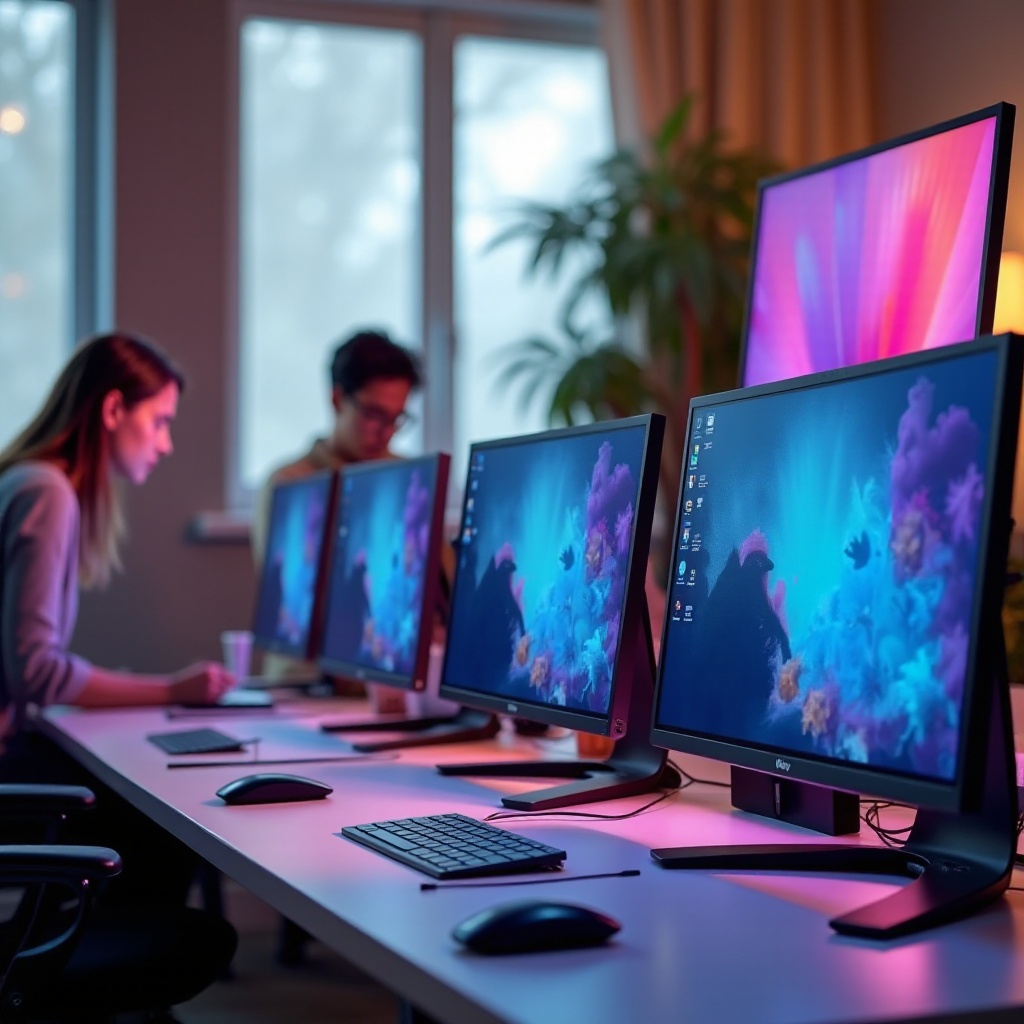
Curved monitors are crafted to match the curvature of the human eye, significantly reducing distortion and enhancing depth. This slight curvature creates a panoramic effect that envelops your vision.
-
What Makes a Monitor ‘Curved’?
A curved monitor incorporates a subtle arch, enhancing the visual appeal and immersive experience. Curvature is measured in radius (R), often in millimeters. A smaller radius (e.g., 1500R) indicates a deeper curve than a higher one (e.g., 4000R). -
Benefits of Curved Monitors
Key benefits include reduced eye strain, improved immersion, and enhanced focus. Curved screens offer a natural field of view and reduce image distortion, boosting efficiency in both work and play. -
Curvature and Viewing Experience
The curvature offers a wrap-around view, ideal for productivity and gaming. It aligns with the eye’s natural shape for a uniform viewing distance from all angles.
Understanding these fundamentals helps when it’s time to identify key features necessary for budget-friendly curved monitors.
Key Features to Consider in Affordable Curved Monitors
When searching for the best cheap curved monitors, specific features can make or break your experience.
-
Screen Size and Resolution
The size and resolution determine how much content fits on-screen and the detail level you can see. Larger monitors often come with higher resolutions, providing sharper images. -
Refresh Rate and Response Time
Gamers prioritize this as it dictates motion smoothness. A higher refresh rate (e.g., 144Hz) results in smoother playback, crucial for fast-paced games. Response time, measured in milliseconds, reflects pixel update speed; lower times enhance gaming performance. -
Connectivity Options
A versatile monitor should support various inputs like HDMI, DisplayPort, and USB-C, ensuring compatibility with multiple devices. -
Ergonomics and Adjustability
Ergonomic designs allow for height adjustment, tilt, and swivel, providing optimal comfort during prolonged use. A flexible monitor adapts to any workspace layout, boosting comfort and productivity.
These features are critical when assessing the top contenders in affordable curved monitors.
Top 5 Best Cheap Curved Monitors of 2024
With features in mind, let’s explore the top five cheap curved monitors for 2024, assessed based on the criteria discussed.
- Monitor #1: [Brand/Model]
- Resolution: 1920×1080
- Refresh Rate: 144Hz
-
Key Features: Excellent connectivity, ergonomic stand
-
Monitor #2: [Brand/Model]
- Resolution: 2560×1080
- Refresh Rate: 75Hz
-
Key Features: Exceptional color accuracy, slim bezel design
-
Monitor #3: [Brand/Model]
- Resolution: 3440×1440
- Refresh Rate: 100Hz
-
Key Features: Wide viewing angles, robust build quality
-
Monitor #4: [Brand/Model]
- Resolution: 1920×1080
- Refresh Rate: 60Hz
-
Key Features: Compact, affordable with decent performance
-
Monitor #5: [Brand/Model]
- Resolution: 3840×1600
- Refresh Rate: 120Hz
- Key Features: HDR support, immersive sound
These selections highlight options that merge quality with affordability for various preferences and user levels.
How to Optimize Your Curved Monitor Experience
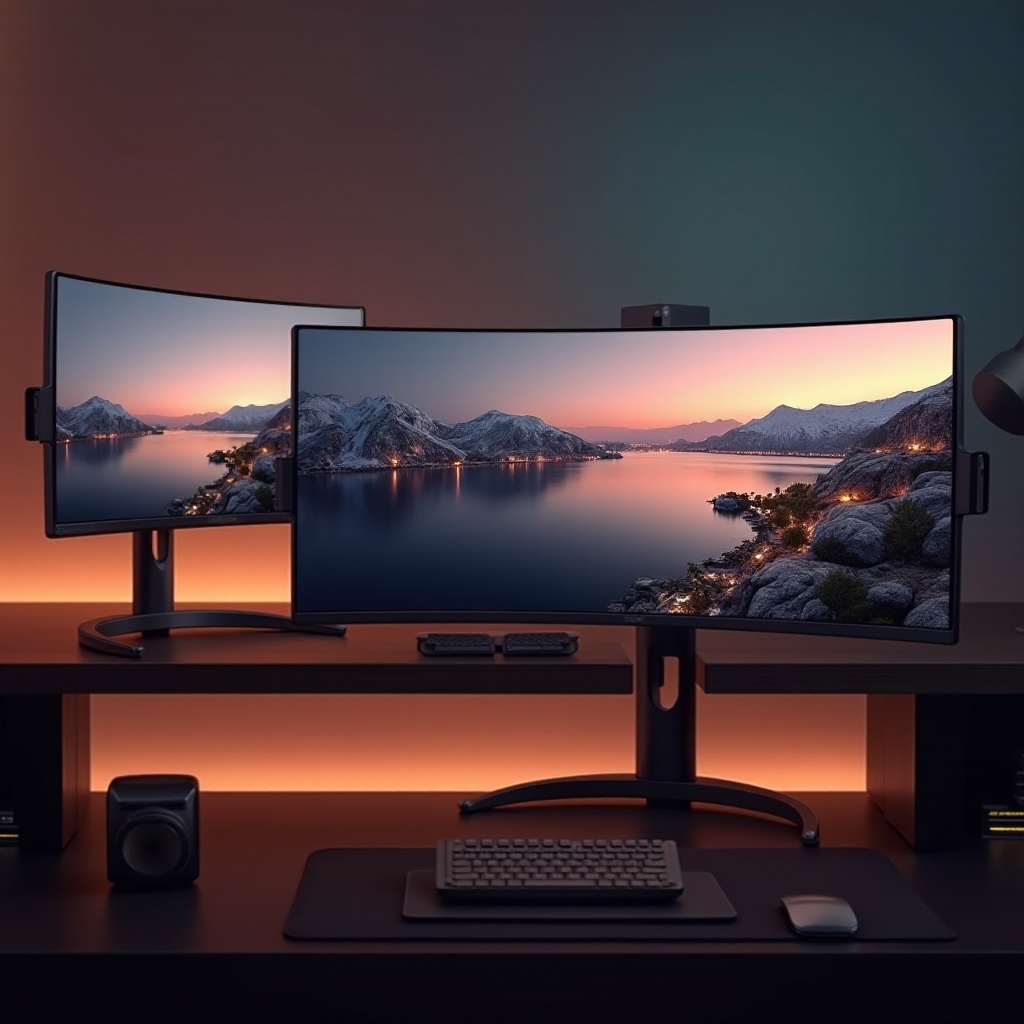
After selecting the right monitor, optimizing your setup can significantly enhance your experience.
-
Optimal Viewing Distance and Angle
Position your monitor at arm’s length, with the center screen at eye level to reduce neck strain and maintain comfort. -
Ideal Settings for Gaming vs. Professional Work
Adjust color settings to ‘warm’ tones for work to alleviate eye fatigue. For gaming, maximize refresh rates and resolution in your graphics settings for seamless motion. -
Maintenance Tips
Regular cleaning with a microfiber cloth, dust-free vents to prevent overheating, and screen protectors to avoid scratches can prolong your monitor’s lifespan.
These adjustments enhance performance and longevity, ensuring your monitor remains a worthy investment.
Conclusion
Investing in a curved monitor does not necessitate a hefty financial outlay. With the right insights and selection strategy, you can find a budget-friendly option that meets your needs. Whether your goal is to elevate your gaming experience or improve professional workflow, these are your top options in 2024’s market.
Frequently Asked Questions
Are curved monitors better for gaming?
Yes, they offer an immersive experience with a panoramic view and reduced image distortion, enhancing gameplay.
Do curved monitors reduce eye strain?
Their design aligns with the eye’s natural curve, minimizing strain during extended use.
Can curved monitors improve productivity?
Yes, they expand the field of view, aiding multitasking and enhancing focus for various tasks.