Headphones have become an essential tool for children who use Chromebooks for online learning, interactive games, and educational videos. Choosing the right pair is about understanding the specific needs of young users, balanced with Chromebook compatibility. This guide helps parents and educators make informed choices that enhance their children’s learning experiences.
Introduction
Selecting the right headphones can greatly improve your child’s educational journey. The key factors to focus on are comfort, durability, and sound quality, which directly affect engagement levels. However, with countless available options, it’s crucial to know what to prioritize. This guide highlights the essential features and top headphone recommendations for Chromebook kids in 2024.
Why Choosing the Right Headphones Matters for Kids
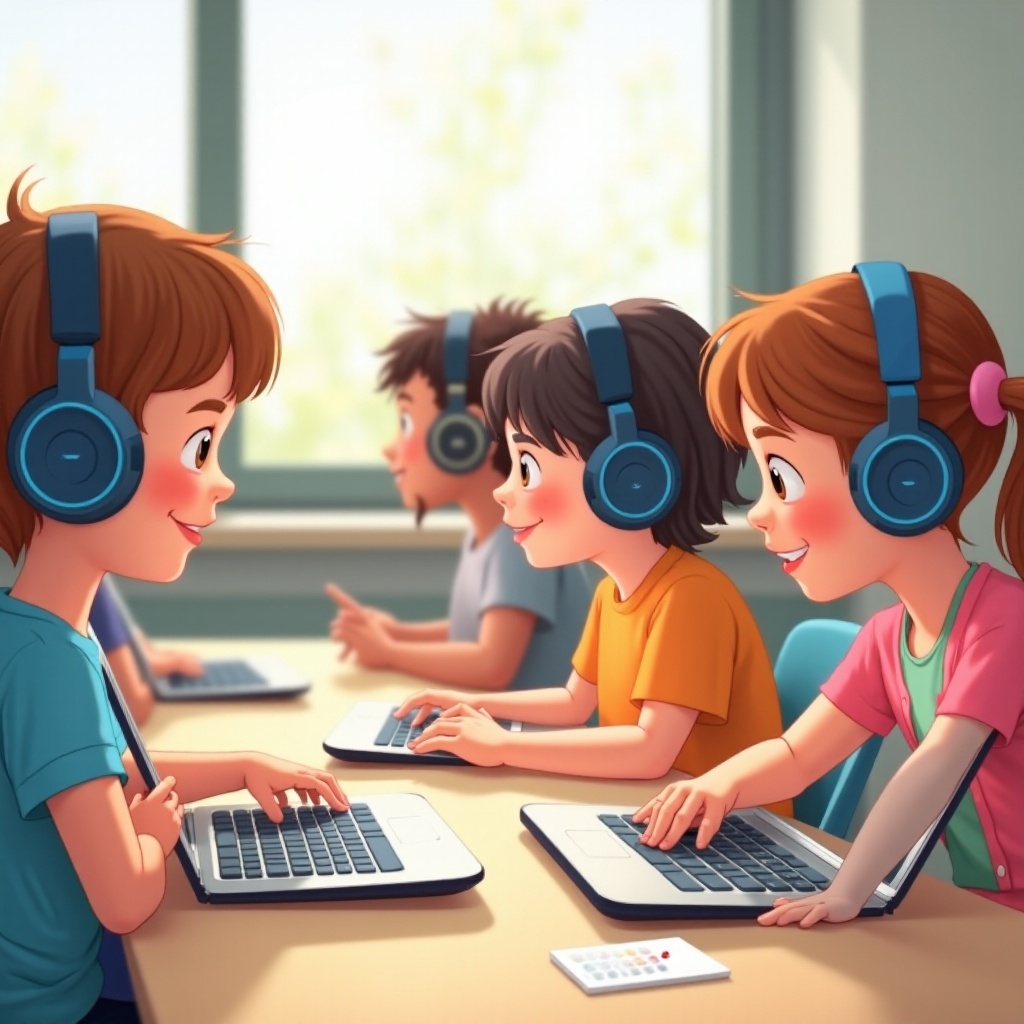
Choosing the correct headphones involves more than selecting a device with good sound quality. For children, headphones provide immersive learning and entertainment experiences, making focus and participation easier. Comfortable, easy-to-use headphones allow children to engage with their educational content without experiencing discomfort or distractions. Moreover, safety is paramount — headphones should protect young ears, making volume-limiting features essential. Ensuring compatibility with Chromebooks guarantees a seamless connection and a user-friendly experience.
Understanding the importance of choosing the right headphones builds the foundation for identifying key features unique to children’s needs.

Key Features to Consider in Kids’ Headphones
Finding the ideal headphones for your child requires careful consideration of several essential features:
-
Durability and Build Quality: Kids can be rough with their gadgets, so headphones should be built to withstand drops and tugs. Choose models made of robust materials that promise longevity.
-
Comfort and Fit: Children’s headphones should feature soft, adjustable headbands and padded ear cups, ensuring a secure yet gentle fit to minimize discomfort during extended use.
-
Sound Quality and Volume Limiting: While clear audio is necessary for comprehending lessons, volume-limiting technologies prevent exposure to sound levels that can cause hearing damage.
-
Connectivity Options: Determine whether wired or wireless headphones suit your child best. Both options have models compatible with Chromebooks, but wireless options provide more freedom of movement.
With these features in mind, let us explore our top recommendations that excel in these areas.
Top Recommended Headphones for Chromebook Kids
An abundance of headphones cater to children, but which ones stand out? Here are the standout models for 2024 that balance quality, safety, and performance:
-
Headphone Model A: Known for exceptional durability, Model A withstands the daily rigors of child use. It also boasts a comfortable design, widely adjustable for a snug fit.
-
Headphone Model B: With superior sound quality and robust volume control, Model B prioritizes safety and clarity, ideal for educational use.
-
Headphone Model C: This wireless option offers seamless Chromebook connectivity and impressive battery life to support extended usage periods.
Once you settle on a pair, it’s vital to maintain them to ensure they provide long service.
How to Maintain and Care for Kids’ Headphones
Proper upkeep extends the lifespan of your child’s headphones and keeps them in good working condition. Follow these straightforward tips for maintenance:
-
Proper Cleaning Techniques: Use a soft, damp cloth to gently clean the ear pads, removing dust and debris without using liquid cleaners that could damage electronic components.
-
Safe Storage Tips: Encourage storage in a case or pouch when not in use, protecting them from dust accumulation and unexpected damage.
-
Handling Common Issues: Loose wires or connectivity problems often arise. Teach children how to properly handle plugs or Bluetooth connections to avoid damage.
Implementing these practices ensures the headphone’s longevity while maintaining optimal function.
Conclusion
Choosing the right headphones for Chromebook kids is crucial in bolstering their educational experience. By prioritizing durability, comfort, and sound features, parents and educators can enhance their digital learning environments. Our top recommendations offer versatile options that excel in quality and performance.
Frequently Asked Questions
How do I connect headphones to a Chromebook?
Plug the headphones into the audio jack or connect via Bluetooth by enabling Bluetooth on both the Chromebook and headphones.
Are wireless headphones a good choice for young kids?
Yes, wireless headphones offer freedom of movement. Ensure they fit well and come with volume control to safeguard hearing.
How can I ensure the headphones are not too loud for my child?
Look for headphones with volume-limiting features or manually set a maximum volume on the device to prevent excessive noise exposure.