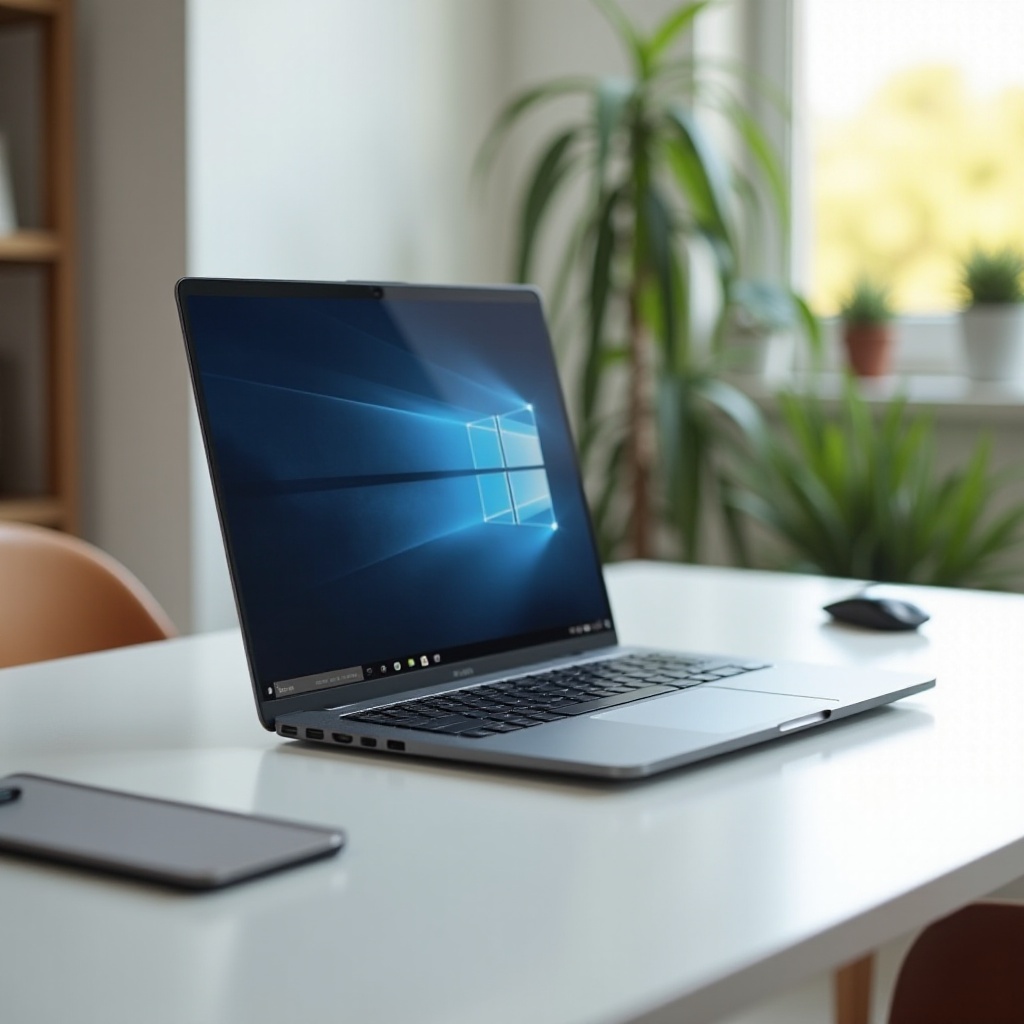
Smartphones today offer immense potential beyond simple communication. To unlock this potential, pairing them with a keyboard and mouse can transform your experience into a more productive one. This guide dives into the details of choosing and using the best keyboard and mouse combos available in 2024.
Introduction
Our smartphones have transformed into powerful tools capable of handling myriad tasks. Yet, typing on small screens over prolonged periods can be challenging and inefficient. That’s where the utility of a keyboard and mouse comes in, simplifying navigation and allowing for efficient typing. In this guide, we’ll walk you through selecting the best devices to enhance your Android phone’s capabilities and how to effectively integrate them into your workflow.
Benefits of Using a Keyboard and Mouse with Your Android Phone
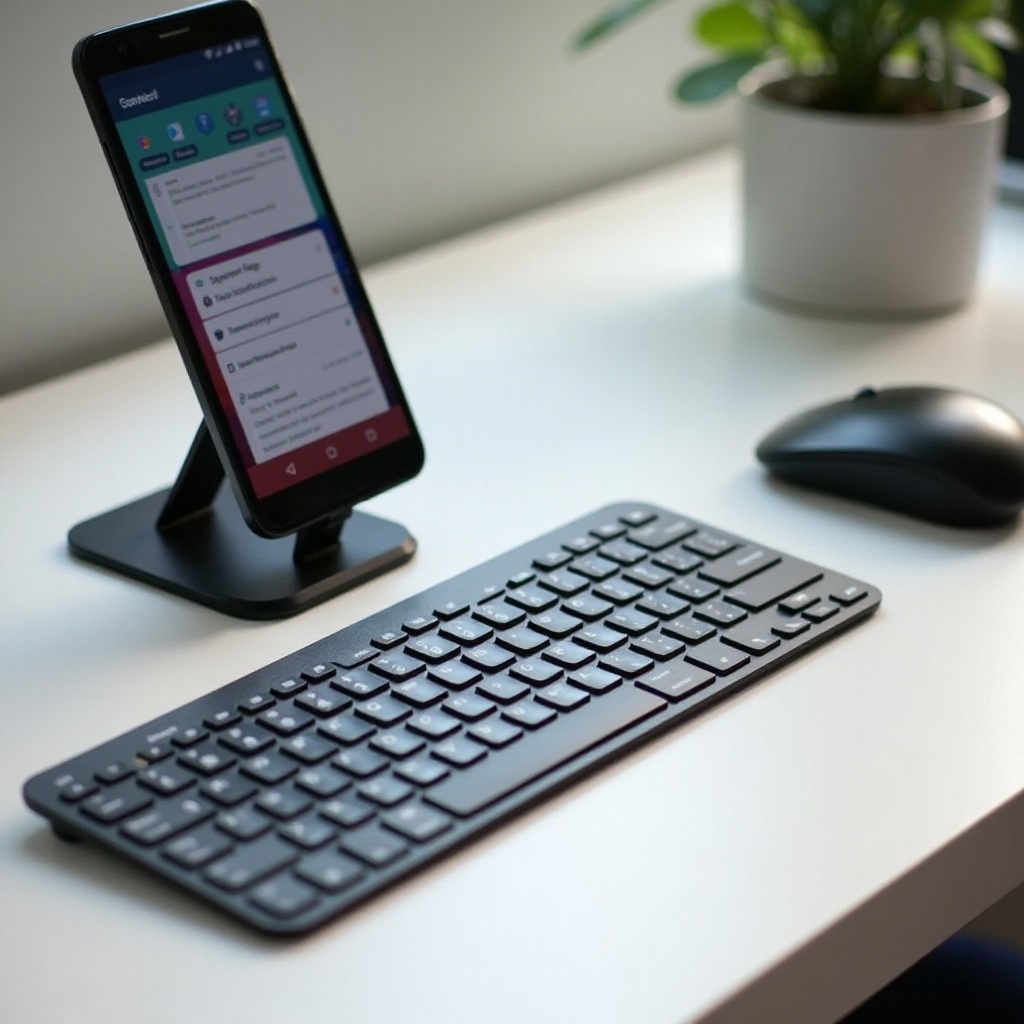
Incorporating a keyboard and mouse into your Android setup opens up a world of opportunities for smooth and efficient device handling.
- Enhanced Productivity: A physical keyboard allows for swifter typing of emails and documents, making workflow smoother.
- Improved Navigation: A mouse provides precision control, which is invaluable for document editing and complex app navigation.
- Ergonomic Comfort: Prolonged use of touchscreens can result in finger strain. A keyboard and mouse offer a more ergonomic alternative, alleviating pressure.
Understanding these benefits sets the stage for choosing the ideal devices. Let’s explore how to select the right keyboard for your needs.

Choosing the Right Keyboard for Your Android Device
Choosing the right keyboard is critical to enhancing your mobile productivity. Consider factors like connectivity, size, and additional features:
- Bluetooth Keyboards: These provide wireless connectivity, reducing desk clutter. Notable options include the Logitech and Microsoft series, known for great battery life and responsiveness.
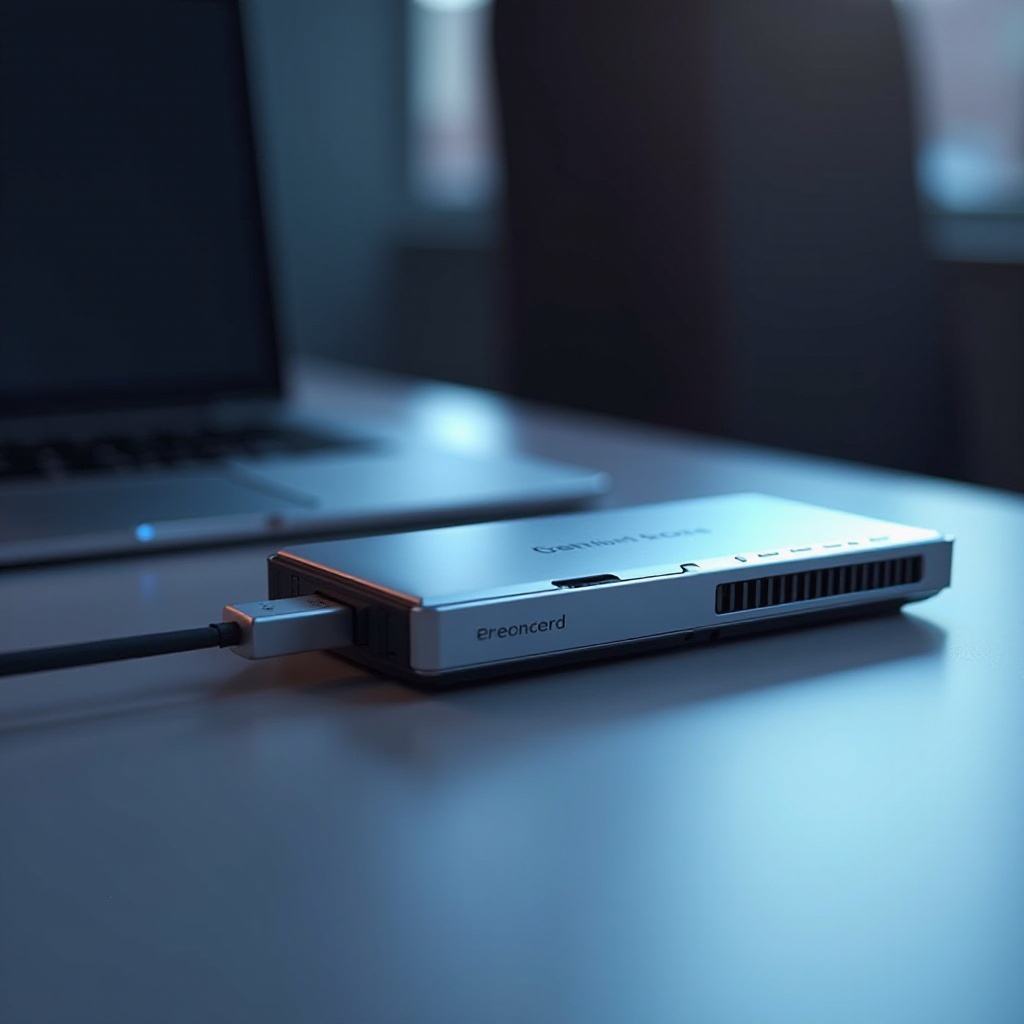
- Wired Keyboards: Offering a stable connection and freeing you of battery concerns, these keyboards are ideal for those who prefer an uninterrupted experience via a USB OTG adapter.
- Foldable and Portable Keyboards: If you’re on the go, compact and foldable keyboards are perfect. They are easy to carry and set up anywhere, ensuring you can work from virtually any location.
With a suitable keyboard identified, let’s focus on selecting an equally essential component—the mouse.
Selecting the Best Mouse for Your Android Device
Choosing the right mouse complements your keyboard and enhances control and navigation. Here are options for consideration:
- Bluetooth Mouse: Avoids wire clutter with wireless functionality, offering flexibility. Logitech’s MX series is renowned for smooth operation and reliable connection.
- Wired Mouse with OTG Support: For those who prefer direct connections, ensure the mouse is OTG compatible for easy connectivity.
- Features to Consider: When selecting a mouse, consider additional buttons for shortcuts, battery longevity for wireless models, and ergonomic design for comfort during long hours.
With devices selected, we’ll guide you through pairing these devices with your Android phone.
How to Connect Keyboards and Mice to Your Android Phone
Connecting keyboards and mice to your Android phone is straightforward, enhancing your mobile workspace effortlessly.
- Connecting via Bluetooth:
- Enable Bluetooth from your phone’s Settings.
- Switch on your keyboard or mouse and enter pairing mode.
-
Select the device from the list on your phone to establish a connection.
-
Using USB OTG Cables:
- Obtain a USB OTG adapter compatible with your phone.
- Connect the keyboard or mouse to the adapter.
-
Plug the adapter into your phone’s charging port for automatic detection and connection.
-
Troubleshooting Common Connection Issues:
- Ensure devices are in pairing mode.
- If issues persist, restart your phone and check battery levels.
With everything connected, it’s time to explore the best devices the market has to offer in 2024.
Top Recommendations for Keyboards and Mice in 2024
Here are the top keyboard and mouse combinations for enhancing your Android experience in 2024:
- Logitech K380 Keyboard and MX Anywhere 3 Mouse: This set offers excellent Bluetooth connectivity and long-lasting batteries with a sleek design.
- Microsoft Designer Compact Keyboard and Arc Mouse: Known for its minimalist aesthetic and ergonomic comfort, this combo provides seamless functionality.
- Anker Wireless Keyboard and Mouse Combo: Budget-friendly yet reliable, offering responsive keys and a mouse with adjustable DPI, perfect for everyday use.
Having chosen the best tools, learn to leverage these devices for maximum productivity gains.
Enhancing Productivity with the Right Accessories
Using a keyboard and mouse with your Android phone is just a start. Here’s how to maximize their potential:
- Customize Shortcuts: Assign app-specific keyboard shortcuts to speed up tasks and streamline processes.
- Utilize Multitasking Features: Pair these devices with Android’s split-screen capability to bolster multitasking efficiency.
- Explore App Compatibility: Ensure apps support these devices for an enhanced user experience.
These methods can significantly elevate your productivity, transforming how you work on your mobile device.
Conclusion
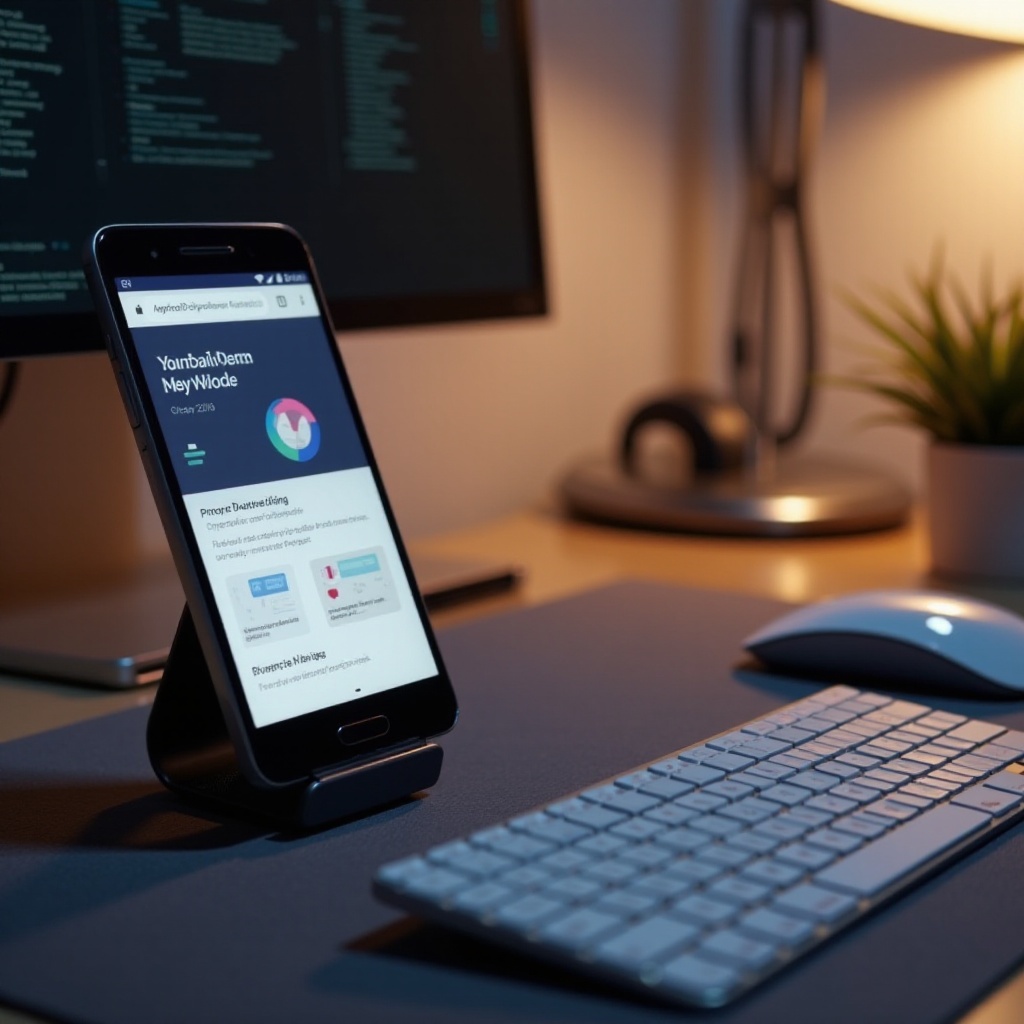
Integrating a keyboard and mouse with your Android phone is a game-changer, redefining productivity and efficiency. By selecting the right tools and implementing best practices, you can unlock your phone’s full potential and enjoy a seamless workflow. Start making the most of your mobile device today.
Frequently Asked Questions
Can all Android phones connect to a keyboard and mouse?
Most Android phones support these devices, but compatibility may vary based on the model and Android version. Always check for OTG support if using wired devices.
Are there any apps needed to use a mouse with an Android phone?
Generally, no additional apps are needed. However, some apps offer enhanced functionality with external devices, which might be worth exploring.
What is the battery life of a typical Bluetooth keyboard and mouse?
Battery life varies by model, but most Bluetooth keyboards and mice can last several months on a single charge with regular use.