Introduction
Laptops deliver unmatched portability for work and entertainment. However, their built-in graphics often struggle with high-end gaming or intensive creative applications. Fortunately, external GPUs (eGPUs) offer a solution, augmenting laptop graphics capabilities significantly. This article delves into what eGPUs are, their benefits, and the best available models in 2024. We also provide guidance on choosing, setting up, and maximizing your eGPU experience.
Understanding External GPUs (eGPUs)
To fully appreciate the power of an eGPU, it’s important to understand what they are and how they function.
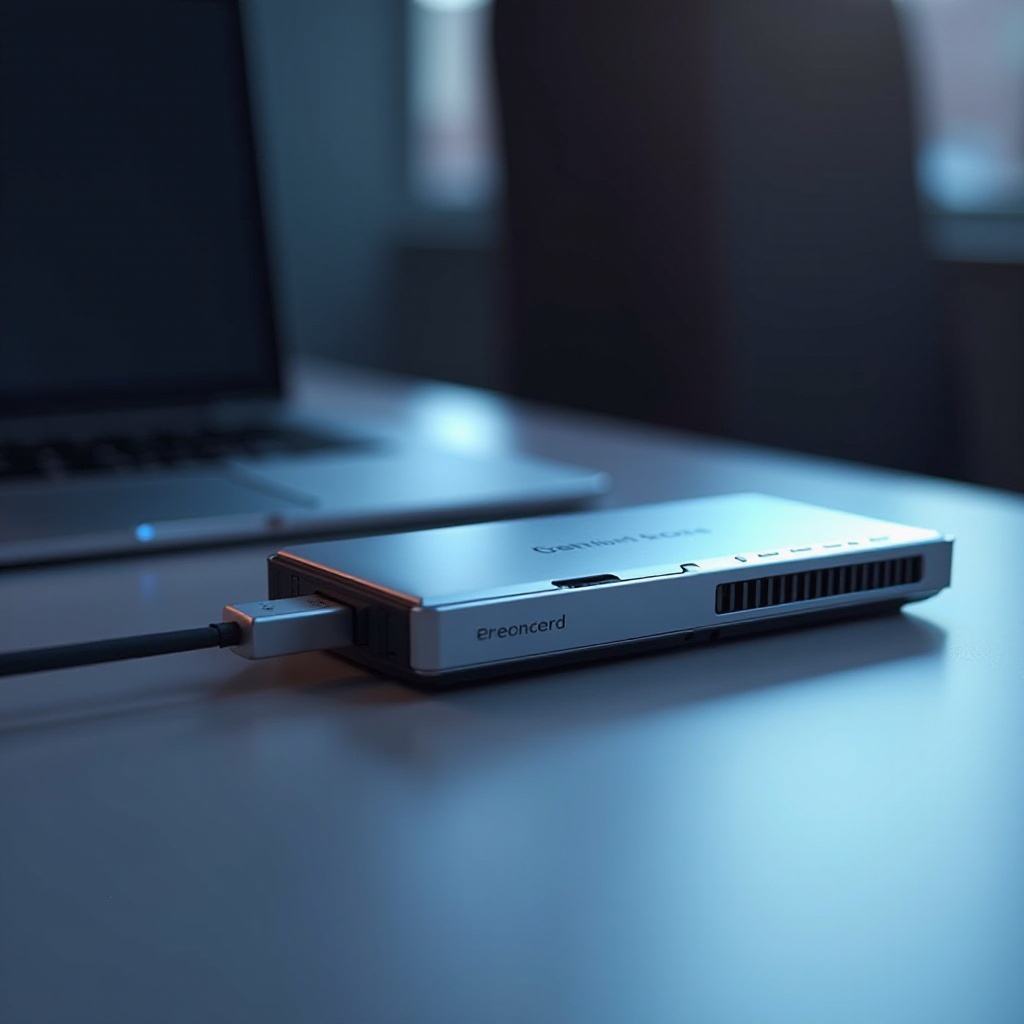
- What is an External GPU? An eGPU is a standalone graphics processor housed in its own enclosure that connects to a laptop to provide a significant boost in graphics performance. Using high-speed connections like Thunderbolt 3 or 4, eGPUs allow laptops to support demanding tasks usually reserved for high-end desktops.
- How Can an eGPU Benefit Your Laptop? By adding an eGPU, your laptop harnesses enhanced graphical processing power. This upgrade can breathe new life into older laptops or help new devices handle the latest games and creative software, making your laptop more versatile.
A thorough understanding of eGPUs sets the stage for identifying the key features to consider when selecting the right one for your laptop.
Key Features to Look for in an External GPU
Choosing an eGPU involves considering several critical features that ensure it meets your performance needs and budget.
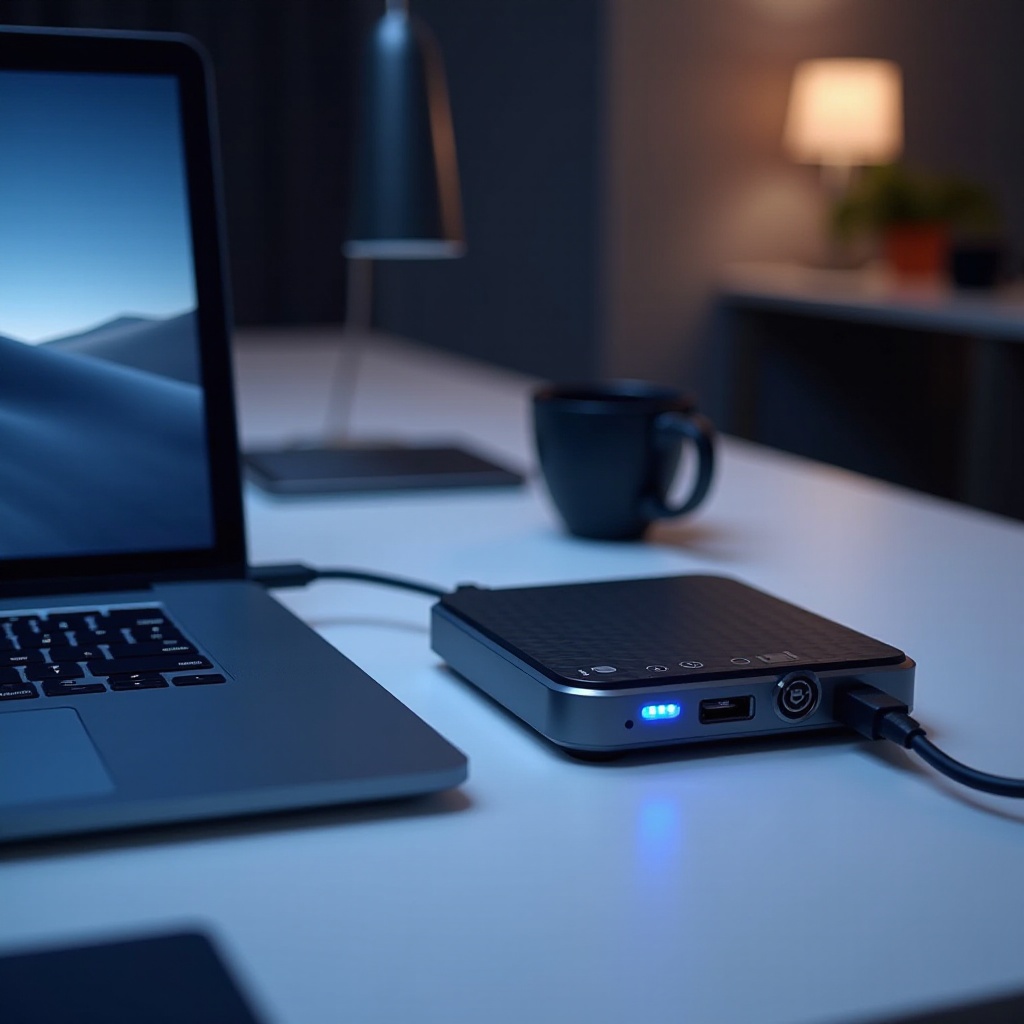
- Compatibility and Connection Ports: Compatibility is the cornerstone of selecting an eGPU. Make sure it works with your laptop’s ports and operating system. Thunderbolt 3 or 4 connections are standard, providing the speed necessary for smooth gaming and professional tasks.
- Power Supply and Delivery: A capable power supply ensures your eGPU operates efficiently. Look for eGPUs that can also charge your laptop, reducing the clutter of multiple power adapters.
- Performance Versus Portability: Determine if you prioritize portability or maximum performance. Compact models favor travelers, while larger setups offer higher performance for stationary environments.
- Cooling and Noise Levels: Effective cooling is crucial to preventing overheating during intensive workloads. Choosing an eGPU with quiet fans will provide a better user experience in both work and play settings.
With these features in mind, let’s explore the top external GPUs for 2024 that stand out in performance and versatility.
Top External GPUs for Laptops in 2024
Selecting the best eGPU involves balancing performance, cost, and personal needs. Here are some top picks for 2024:
- Model A:
- Key Features: Blazing-fast Thunderbolt 4 interface, integrated power supply, superior cooling architecture.
- Pros and Cons: While it boasts excellent performance and sleek aesthetics, it is priced at a premium.
- Ideal for: Gamers and professionals who demand the highest performance tier.
- Model B:
- Key Features: Sleek compact design, competitive pricing, effective thermal control.
- Pros and Cons: Offers great portability but might show performance dips under heavy load.
- Ideal for: Users balancing performance needs with frequent travel.
- Model C:
- Key Features: Customizable form factor, customizable RGB lighting, robust power management.
- Pros and Cons: Highly customizable but requires a bit more setup effort.
- Ideal for: Enthusiasts looking to tailor a unique setup.
- Honorable Mentions: Consider other eGPUs offering unique features or targeting niche requirements.
Understanding these models prepares you to successfully integrate an eGPU with your laptop, enhancing its capabilities immensely. Let’s now take a closer look at how to set up your eGPU.
Setup and Installation Guide for Your eGPU
Setting up an eGPU requires some preparation to ensure everything operates smoothly.
- Gather Required Accessories and Software: Ensure you have all necessary cables and that both your eGPU and laptop are running the latest drivers.
- Step-by-Step Installation:
- Connect the eGPU to your laptop using the provided Thunderbolt cable.
- Power on the eGPU and wait for your OS to recognize and configure the new hardware.
- Configure settings to optimize performance with your software and games.
- Troubleshooting Tips: If you encounter issues, check all connections, ensure drivers are up to date, and consult available resources from the manufacturer’s support site.
Having set up your eGPU, let’s evaluate its cost-effectiveness in extending your laptop’s use and enhancing its performance.
Cost and Value Considerations
Investing in an eGPU is a big decision that balances performance improvements with financial cost. Here are some considerations:
- Price Ranges and Value for Money: eGPUs range from budget-friendly to high-end models. It’s important to find an eGPU that meets your performance needs without overspending.
- Comparing eGPUs with Other Upgrade Options: Consider other potential upgrades and weigh their effectiveness against what eGPUs provide. Often, eGPUs offer more substantial performance boosts than alternative upgrades, like adding RAM or switching to SSDs.
Understanding these elements empowers you to make an informed purchasing decision, ensuring that your investment enhances your laptop’s capabilities effectively.
Conclusion
An external GPU provides a remarkable way to expand your laptop’s potential, offering desktop-quality graphics for gaming and professional tasks. Whether extending the life of an older machine or boosting a new one’s performance beyond its stock capabilities, the right eGPU opens new possibilities. Select your ideal external GPU today and elevate your laptop experience.
Frequently Asked Questions
Are External GPUs Compatible with All Laptops?
External GPUs are typically compatible with laptops that have Thunderbolt 3 or 4 ports. Always check compatibility with your specific laptop model.
Can an eGPU Improve Gaming Performance on Any Laptop?
Yes, an eGPU can significantly enhance gaming performance on laptops that support it, enabling smoother graphics and reducing latency.
How Do I Maintain and Care for My eGPU?
Regularly clean dust from the cooling system, keep firmware and drivers updated, and ensure secure handling of all connections to preserve functionality.